

Best AI Automation Tools

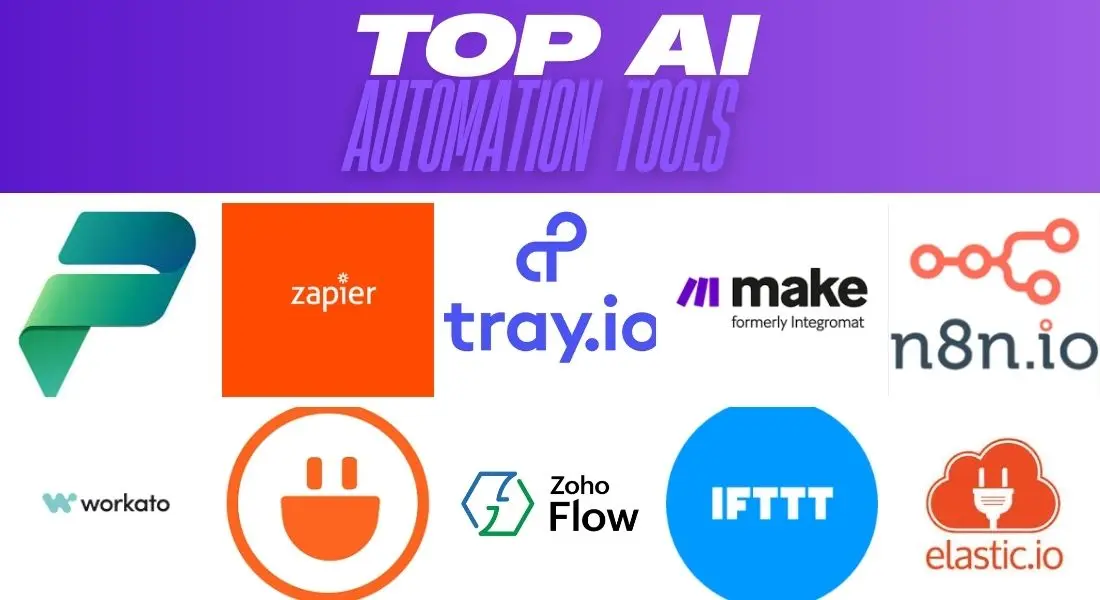
The businesses winning in 2025 are those that have fully embraced AI-powered workflow automation. From processing leads and sending personalised emails, to generating reports, monitoring competitors, and triaging customer support — the right automation stack can replace dozens of manual hours every single week.
For agencies and consultants, automation isn’t optional — it’s the margin. We’ve ranked the six best AI automation platforms across power, ease of use, AI integration, pricing, and real-world agency fit.
Why Automation Is the Backbone of Every Scalable Agency
Every manual process in your business is a cost — copying data between tools, manually posting to social media, chasing invoice approvals, rebuilding reports every Monday. In 2025, AI automation tools handle all of this 24/7 without error or fatigue. The agencies scaling fastest are building automation layers that multiply the output of their existing team.
⚡ Agency Power Move
Build your core stack on n8n self-hosted for cost control, use Make for client-facing workflows needing a visual interface, and keep Zapier for quick proof-of-concept builds. This three-tier approach maximises flexibility while minimising per-operation costs at scale.
The Top 6 AI Automation Platforms
Tool 01
Open-source workflow automation built for AI-native pipelines
Open Source
n8n is the developer-friendly powerhouse of workflow automation. With 400+ integrations, a native AI Agent node, and built-in support for Claude, GPT-4, and Gemini, it’s purpose-built for complex AI workflows. Self-host for free or use n8n Cloud. Its code node lets you write JavaScript or Python for any edge case — ideal for agencies needing full control without per-operation costs.
Pros
- Self-host free — zero per-operation costs
- Native AI Agent node for Claude, GPT-4, Gemini
- 400+ integrations out of the box
- Code node for unlimited customisation
Cons
- Steeper learning curve than Make or Zapier
- Self-hosting requires server management
- UI less polished than competitors
Tool 02
Visual automation builder with powerful scenario logic
Freemium
Make.com offers the most visually intuitive workflow builder on the market. Its branching logic, error handling, and data transformation capabilities go far beyond Zapier. With 1,000+ app integrations and 1,000 free operations per month, it’s a favourite for e-commerce, marketing, and operations automation.
Pros
- Most intuitive visual builder available
- 1,000 free operations/month
- Excellent error handling and retry logic
- Great for handing off to non-technical clients
Cons
- Costs scale with operation volume
- No self-hosting option
- Complex scenarios can get visually cluttered
Tool 03
The OG automation platform — easiest to use, widest compatibility
Freemium
Zapier pioneered no-code automation and remains the easiest entry point for non-technical teams. Its 7,000+ app connections make it the most compatible tool available. Zapier AI Actions lets ChatGPT and other AI models trigger real-world automations via natural language. Best for teams that need automation running in under an hour.
Pros
- 7,000+ app integrations — widest coverage
- Easiest to get started — live in minutes
- AI Actions lets ChatGPT trigger automations
- Excellent documentation and support
Cons
- Most expensive per operation at scale
- Limited logic and branching vs Make
- No self-hosting — data leaves your servers
Tool 04
Open-source Zapier alternative gaining fast traction
Open Source
Activepieces is the fastest-growing open-source automation platform in 2025. A clean UI, active community, and growing integrations library make it an excellent self-hosted alternative to Zapier. Its AI integration includes Claude, GPT-4, and Gemini nodes out of the box. For agencies wanting complete data privacy and zero per-operation costs, it’s the most exciting rising alternative.
Pros
- Open source — full data ownership
- Cleaner UI than n8n — easier to learn
- Claude, GPT-4, and Gemini nodes built in
- Rapidly growing integrations library
Cons
- Fewer integrations than Zapier or Make
- Smaller community — less documentation
- Some enterprise features still in development
Tool 05
Enterprise automation deeply embedded in Microsoft 365
Enterprise
For businesses running Microsoft 365, Power Automate with Copilot AI is deeply embedded in the stack — SharePoint, Teams, Outlook, and Dynamics integrations are fully native. AI Builder enables document processing and predictive models without code. Included in M365 Business Premium plans, making it effectively free for existing Microsoft enterprise clients.
Pros
- Included in most M365 Business plans
- Native Teams, SharePoint, Outlook integration
- AI Builder for document and form processing
- Enterprise-grade security and compliance
Cons
- Only valuable inside the Microsoft ecosystem
- Clunky UI compared to Make or n8n
- Connectors outside M365 are often limited
Tool 06
Developer-focused automation with real-time event processing
Freemium
Pipedream is built for developers who want the control of code with the convenience of a platform. It supports Node.js, Python, Go, and Bash steps in any workflow. Excellent for real-time event-driven automation — webhooks, API processing, and data pipelines. A generous free tier of 10,000 events per month makes it accessible for technical founders.
Pros
- Code-level control — Node.js, Python, Go, Bash
- 10,000 free events/month
- Best for real-time webhook and API processing
- Fast deployment — no server management
Cons
- Requires coding knowledge to use effectively
- Less suitable for non-technical team members
- Fewer visual workflow features than Make
Pricing Comparison 2025
| Platform | Free Tier | Paid From | Self-Host | AI Nodes |
|---|---|---|---|---|
| n8n | Self-host free | $20/mo (Cloud) | ✓ | ✓ |
| Make.com | 1,000 ops/mo | $9/mo | ✗ | ✓ |
| Zapier | 100 tasks/mo | $19.99/mo | ✗ | ✓ |
| Activepieces | Self-host free | $9/mo (Cloud) | ✓ | ✓ |
| Power Automate | M365 included | $15/user/mo | ✗ | ✓ |
| Pipedream | 10K events/mo | $29/mo | ✗ | ✓ |
Which Automation Platform Is Right for You?
For AI agencies wanting full control: n8n self-hosted. For non-technical teams: Make.com. For enterprise Microsoft shops: Power Automate. For developers needing code-level control: Pipedream. For those wanting Zapier without the cost: Activepieces.
🏆 Editor’s Verdict
Best overall for agencies: n8n — open source, AI-native, zero per-operation costs when self-hosted.
Best ease of use: Make.com — the most intuitive visual builder for non-technical teams.
Best for enterprise: Microsoft Power Automate — already included in most M365 Business plans.
Best for developers: Pipedream — code-level control with a generous free tier.
Best free open-source alternative: Activepieces — the most exciting Zapier challenger in 2025.
Final Thoughts
Automation is no longer a nice-to-have — it’s the infrastructure that separates scalable agencies from ones that hit a ceiling. Start with one high-impact process, automate it fully, measure the time saved, then move to the next. Within three months you’ll have built an automation layer that makes your agency feel twice the size it actually is.